

iPad Mini
For iPad mini models, including iPad mini (A17 Pro), mini 6, mini 5, mini 4, and earlier mini models.

99 在庫あり
最大 10 文字の文字、数字、またはスペース。各キャラクターは最大 2 回まで登場します。
受け取り可能状況を読み込めませんでした
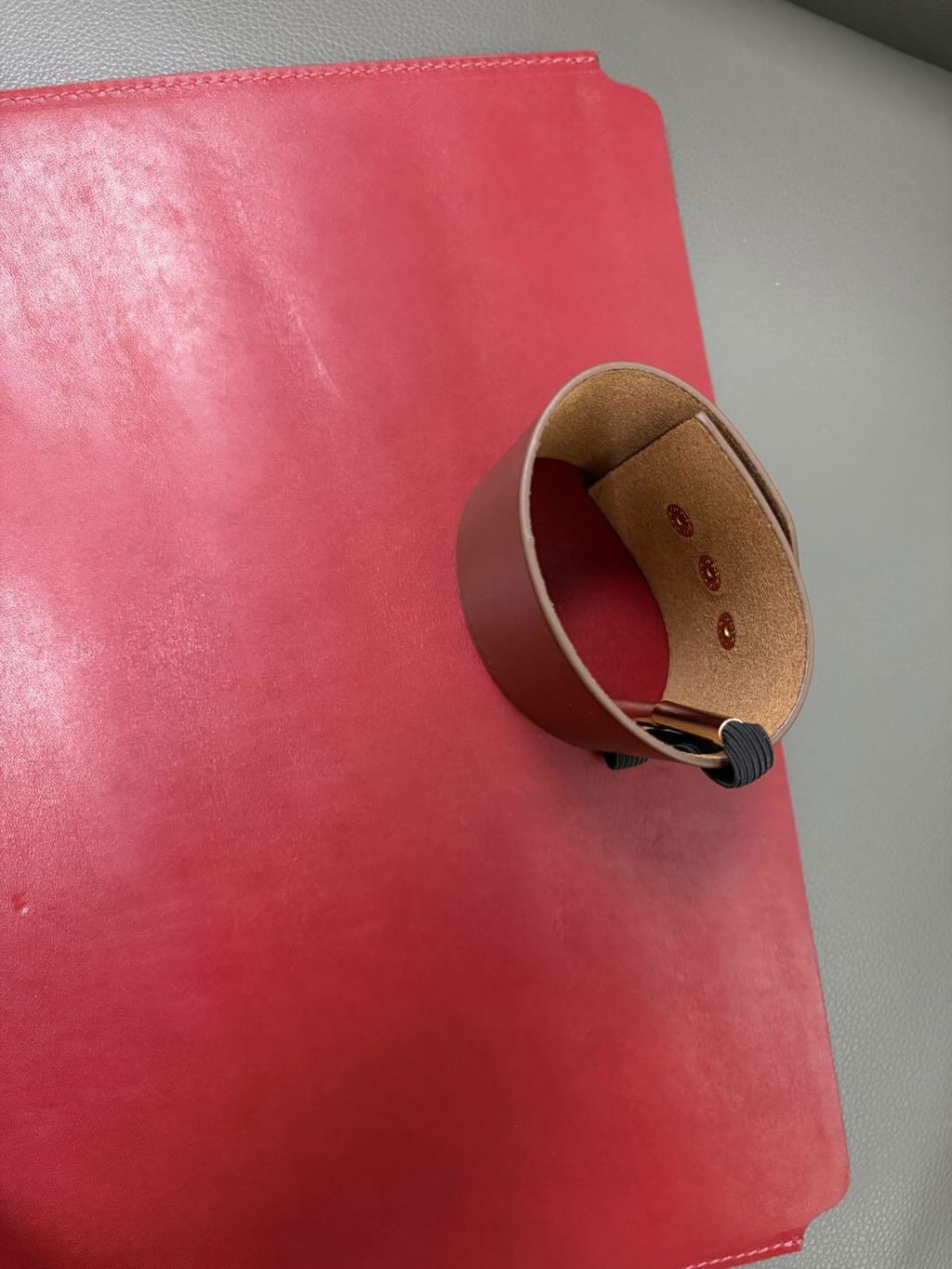
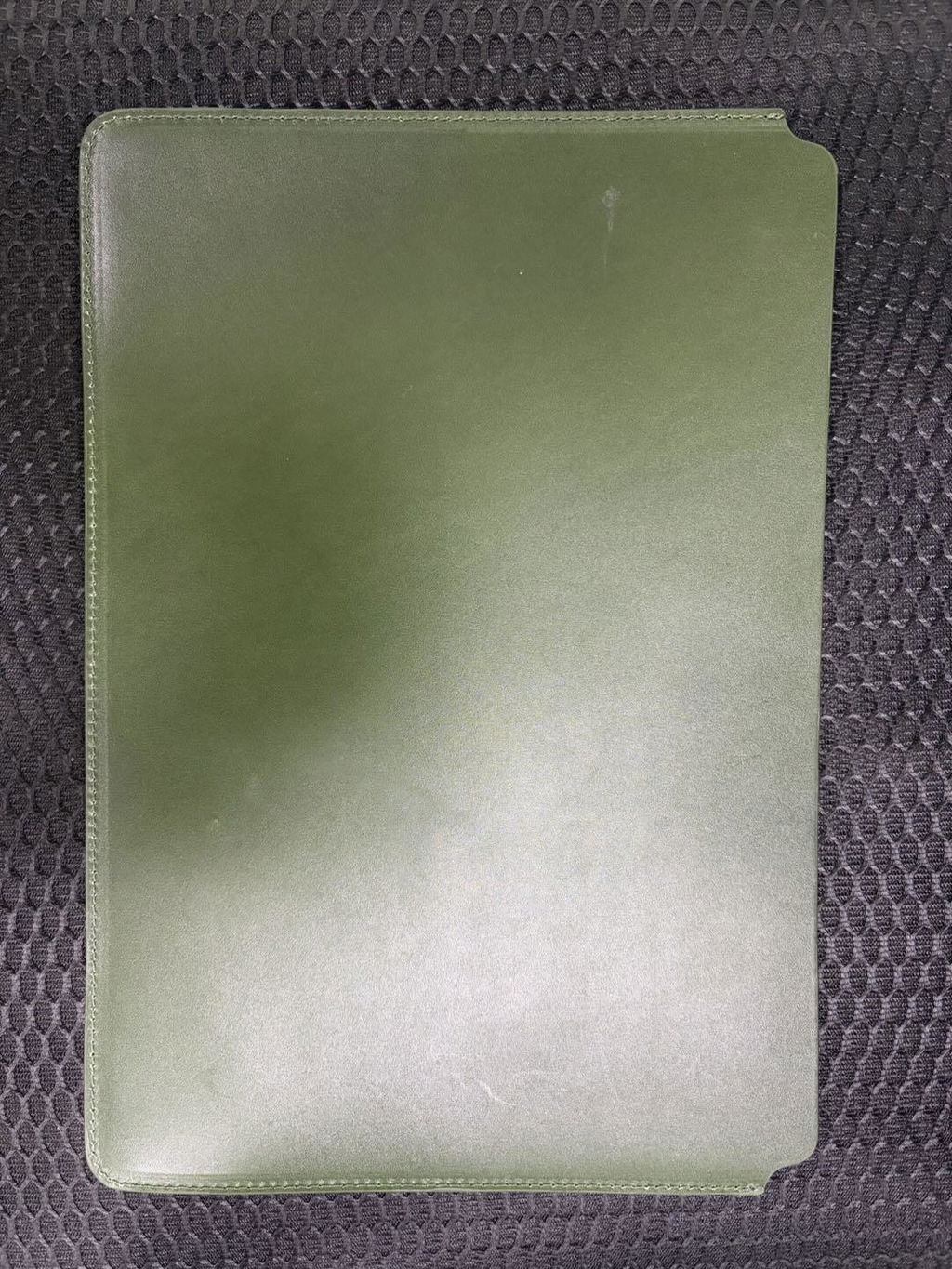
余分な厚みを加えることなくデバイスを保護するように設計された、スリムなフルグレインレザー製ラップトップスリーブ。すっきりとしたオープントップデザインで、ノートパソコンの出し入れが簡単。手作業で仕上げられたレザーの外装は、使い込むほどに味わいが増していきます。
まずデバイスモデルを選択し、次に デバイス適合ガイド. このスリーブは、デバイス本体または薄型のケースを装着した状態での使用を想定しています。キーボードケース、頑丈なカバー、または厚手のハードシェルを使用する場合は、デバイス全体の寸法を測ってください。
これは日常的な表面保護のための柔軟なスリーブであり、落下防止用の頑丈なケースではありません。
柔らかい乾いた布で優しく拭いてください。水に浸したり、直射日光や高温にさらされたり、強力な洗剤を使用したりしないでください。革本来の風合いや小さな傷は、革の経年変化の一部となります。
Device fit guide
This product now supports both iPad and MacBook sizes. Select by your device model first. If you use a keyboard case, hard shell, or rugged cover, measure the full device size before ordering.
| Sleeve option | Fits these models | How to confirm |
|---|---|---|
| iPad Mini | iPad mini (A17 Pro), mini 6, mini 5, mini 4, mini 3, mini 2, and earlier mini models. | On iPad: Settings > General > About. Match the Axxxx model number. |
| iPad 11 in | iPad Pro 11, iPad Air 11, iPad Air 4 / 5, iPad A16, iPad 10th / 9th / 8th Gen, and iPad Pro 10.5. | Use the iPad model number, not only the screen name. |
| iPad 13 in | iPad Air 13 and iPad Pro 12.9 / 13-inch models. | Choose this size for larger iPad models. |
| MacBook 13 in | MacBook Air 13-inch M5 / M4 / M3 / M2 / M1, MacBook Air Retina 13-inch 2020, MacBook Pro 13-inch M2 / M1 / Intel 2020. | On Mac: Apple menu > About This Mac. Confirm the model name and screen size. |
| MacBook 14 in | MacBook Pro 14-inch M5 / M4 / M3 / M2 / M1 Pro and Max generations. | Select 14 in for a MacBook Pro with a 14-inch display. |
| MacBook 15 in | MacBook Air 15-inch M5 / M4 / M3 / M2 generations. | Select 15 in for a MacBook Air with a 15-inch display. |
| MacBook 16 in | MacBook Pro 16-inch M5 / M4 / M3 / M2 / M1 generations and MacBook Pro 16-inch Intel 2019. | Choose 16 in for the larger MacBook Pro body. |
Using a thick keyboard case or hard shell? Measure the total device size before choosing. This sleeve is designed for the device itself or a slim shell.

すっきりとしたシルエットは、デバイスをかさばるブリーフケースのようにすることなく、レザーの風合いをプラスします。会議の合間には単体で持ち歩いたり、通勤時にはトートバッグやバックパックに入れて持ち運んだりできます。
このスリーブがあなたのデバイスと使用習慣に適しているかどうかを判断する4つのポイント。

画面サイズだけで判断するのではなく、セレクターに表示されているiPadまたはMacBookの正確なオプションから始めてください。

薄型のケースであれば適合するかもしれません。キーボードケース、頑丈なカバー、厚みのあるハードシェルケースの場合は、ご注文前に寸法を測ってください。

このスリーブはデバイスの表面を保護し、日常的な傷を防ぐのに役立ちますが、落下防止用のハードケースではありません。

フルグレインレザーは、使い込むほどに小さな傷や深みのある色合い、そしてより個性的な光沢が生まれます。

このスリーブは、選択したデバイスにぴったりとフィットし、かさばらないように設計されています。そのため、特にケースやキーボードカバーによってデバイスの厚みが変わる場合は、モデルガイドが重要になります。
本体以外のものを持ち運ぶ場合は、注文前に必ず全体の寸法を確認してください。
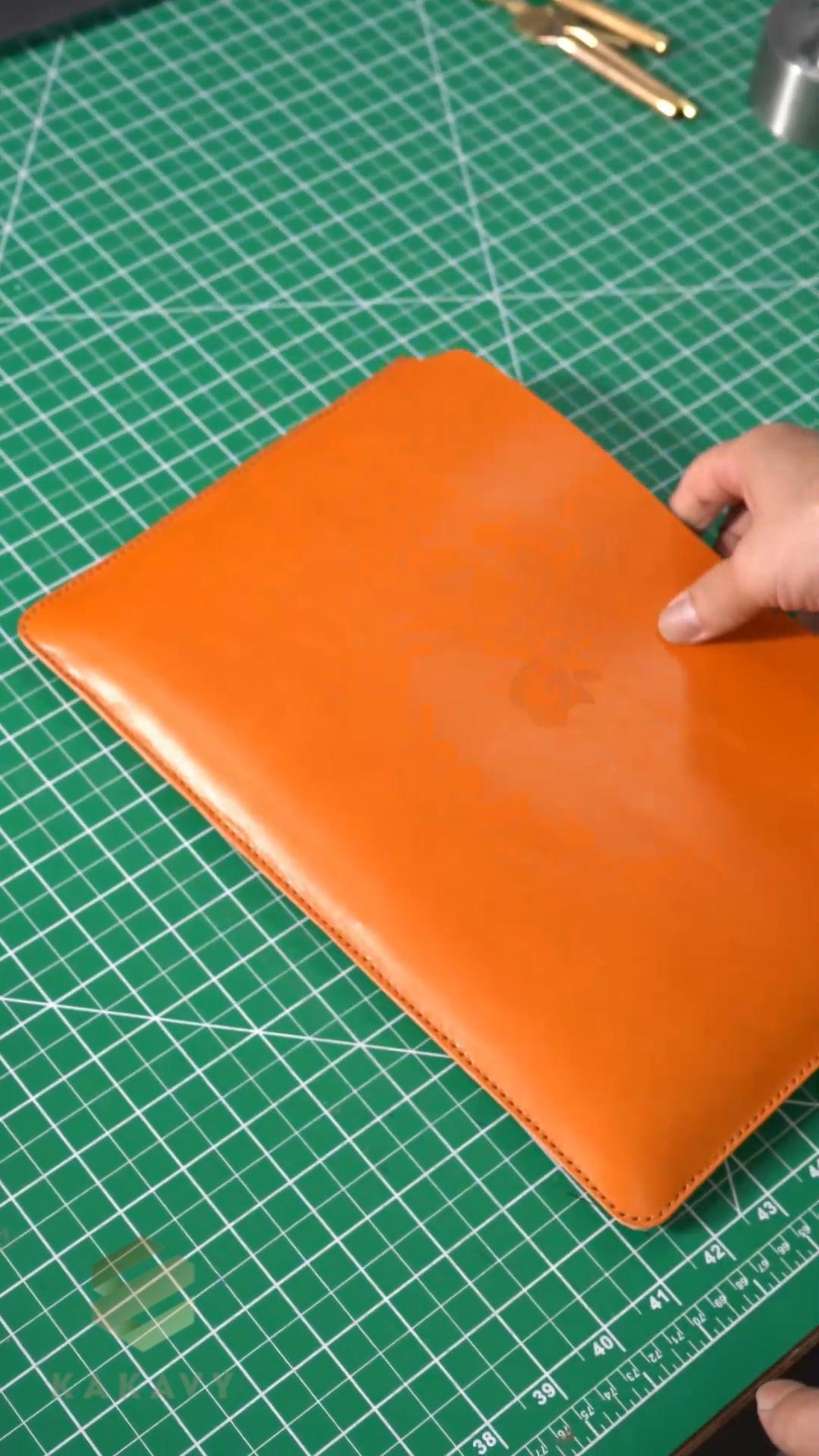
丁寧な位置合わせ、縫製、縁取り、仕上げを経て、袖が形作られていく様子をご覧ください。
その工程こそが、外観から見て取れるすっきりとしたフォルムと、日々触れる手作業による仕上げの細部を物語っているのです。
フィット感や日常使いに最も影響する可能性のある詳細事項について、簡潔に回答します。
お使いのiPadまたはMacBookのモデルに完全に一致するオプションを選択してください。対応モデルファミリーについては、上記のデバイス適合ガイドをご参照ください。ご不明な場合は、ご注文前にデバイスの設定でモデル名をご確認ください。
このスリーブは、デバイス本体または薄型のケースに合わせて設計されています。キーボードケース、頑丈なカバー、厚みのあるハードシェルなどは幅と奥行きが増すため、ご注文前に全体のサイズを測って比較してください。
柔らかな裏地と革製の外装は、バッグ内部での日常的な傷や軽い接触から保護します。これは柔軟性のあるスリーブであり、頑丈なケースや落下保護認証を受けたケースではありません。
フルグレインレザーは、使い込むほどに小さな傷や深みのある色合い、そして独特の光沢が出てきます。柔らかい乾いた布で拭き、水に浸したり、直射日光や高温にさらされたり、強力な洗剤を使用したりすることは避けてください。
Ειρθε αψεγάδιαστη η θήκη προς το παρόν συγχαρητήρια
Ottimo prodotto grazie. Comodissimo
It’s a great quality leather belt. I will definitely order for more and recommend it to anyone who is looking for such a quality leather
An amazing and beautiful case. Possibly the best one I've owned!
Serious quality belt. Just like I like them.
I like it
Great, use it every day.
Absolutely stupendous belt. I was blown away by the quality and feel of the leather and the quality of the buckle. Really comfortable and nice to wear.
Great quality
This belt was exactly what I'm looking for.
The look, the quality and the price. Perfect !
Ok
Happy with the outcome of my item
Mycket bra och prisvärd
The color and finish match the photos. It feels sturdy without being too heavy.
The leather looks even better in person. The size is compact, but there is enough room for my everyday essentials.
99 在庫あり
余分な厚みを加えることなくデバイスを保護するように設計された、スリムなフルグレインレザー製ラップトップスリーブ。すっきりとしたオープントップデザインで、ノートパソコンの出し入れが簡単。手作業で仕上げられたレザーの外装は、使い込むほどに味わいが増していきます。