

iPad Mini
For iPad mini models, including iPad mini (A17 Pro), mini 6, mini 5, mini 4, and earlier mini models.

98 재고 있음
최대 10개의 문자, 숫자, 공백입니다. 각 캐릭터는 최대 2번까지 나타날 수 있습니다.
수령 가능 여부를 로드할 수 없습니다.
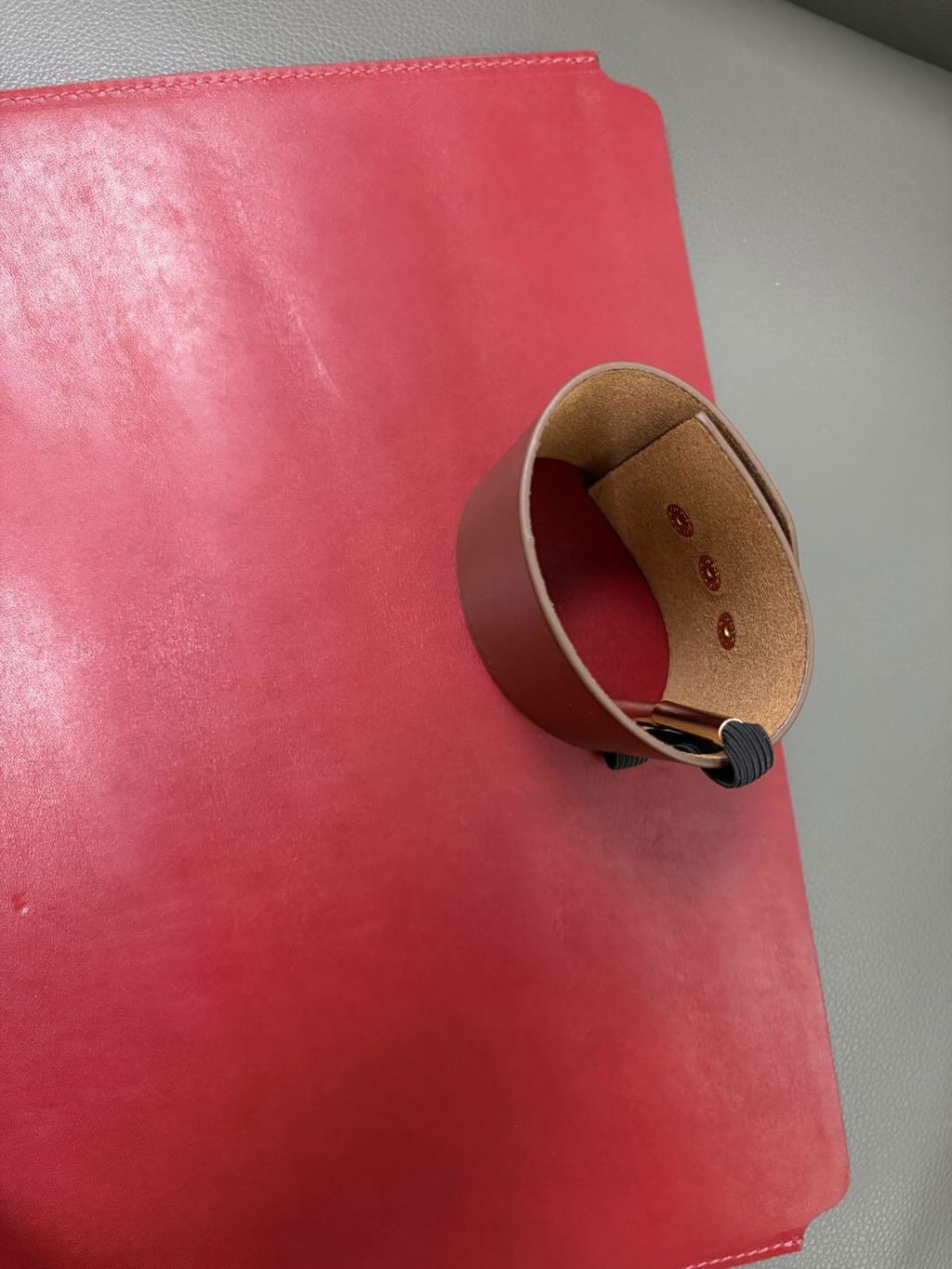
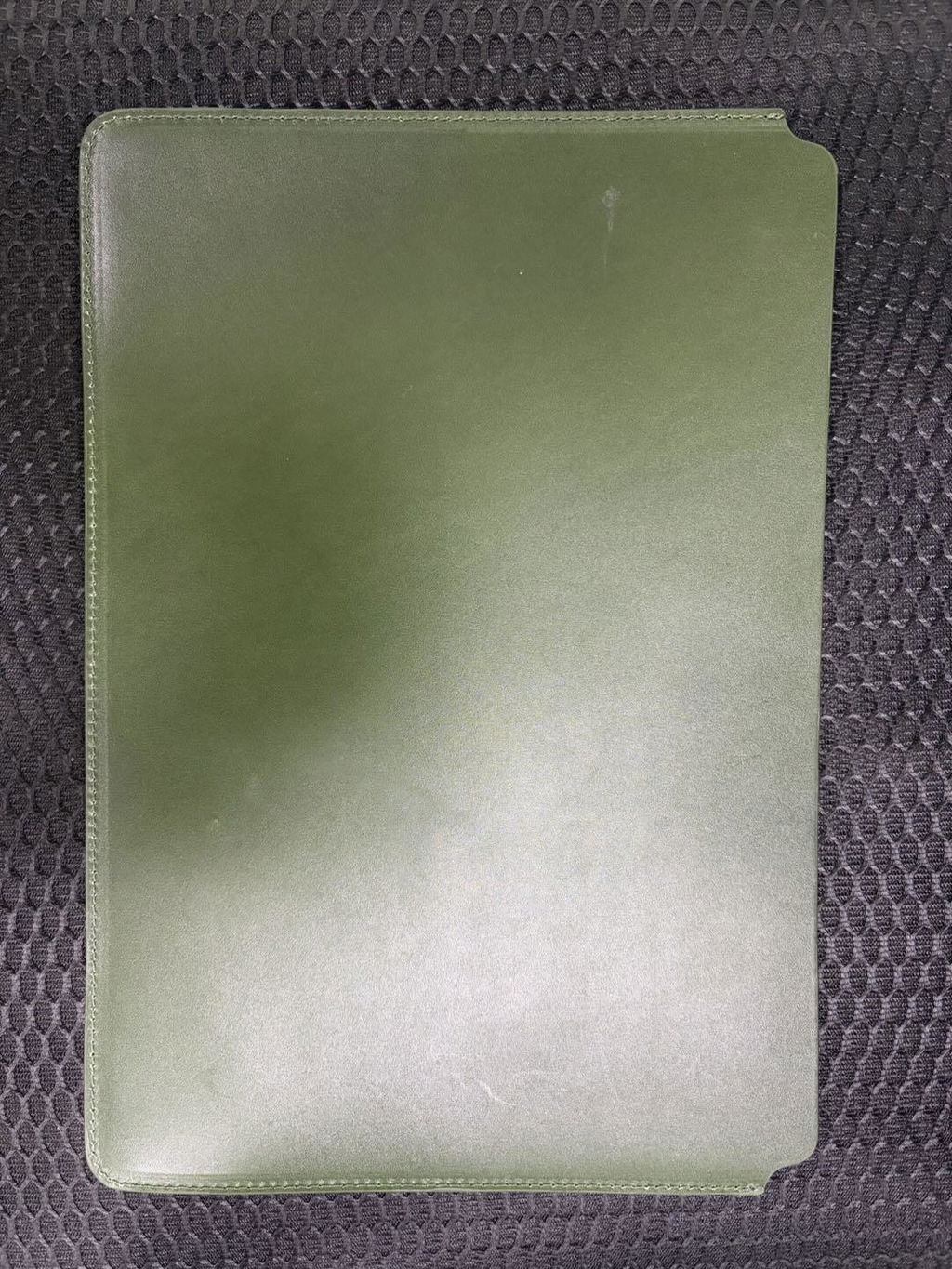
슬림한 풀그레인 가죽 노트북 슬리브로, 불필요한 부피를 더하지 않고도 기기를 안전하게 보호합니다. 깔끔한 오픈형 디자인으로 노트북을 쉽게 넣고 뺄 수 있으며, 수작업으로 마감된 가죽 외관은 사용할수록 더욱 멋스러워집니다.
먼저 기기 모델을 선택한 다음, 아래 내용을 검토하세요. 기기 적합성 가이드. 이 슬리브는 기기 자체 또는 얇은 케이스에 사용하도록 제작되었습니다. 키보드 케이스, 견고한 커버 또는 두꺼운 하드 케이스를 사용하는 경우 기기 전체의 크기를 측정하십시오.
이 제품은 일상적인 표면 보호를 위한 유연한 슬리브이며, 단단한 낙하 방지 케이스가 아닙니다.
부드럽고 마른 천으로 살살 닦아주세요. 물에 담그거나 직사광선을 쬐거나 강한 세척제를 사용하지 마세요. 가죽의 자연스러운 결이나 작은 자국은 가죽의 멋스러운 질감의 일부입니다.
Device fit guide
This product now supports both iPad and MacBook sizes. Select by your device model first. If you use a keyboard case, hard shell, or rugged cover, measure the full device size before ordering.
| Sleeve option | Fits these models | How to confirm |
|---|---|---|
| iPad Mini | iPad mini (A17 Pro), mini 6, mini 5, mini 4, mini 3, mini 2, and earlier mini models. | On iPad: Settings > General > About. Match the Axxxx model number. |
| iPad 11 in | iPad Pro 11, iPad Air 11, iPad Air 4 / 5, iPad A16, iPad 10th / 9th / 8th Gen, and iPad Pro 10.5. | Use the iPad model number, not only the screen name. |
| iPad 13 in | iPad Air 13 and iPad Pro 12.9 / 13-inch models. | Choose this size for larger iPad models. |
| MacBook 13 in | MacBook Air 13-inch M5 / M4 / M3 / M2 / M1, MacBook Air Retina 13-inch 2020, MacBook Pro 13-inch M2 / M1 / Intel 2020. | On Mac: Apple menu > About This Mac. Confirm the model name and screen size. |
| MacBook 14 in | MacBook Pro 14-inch M5 / M4 / M3 / M2 / M1 Pro and Max generations. | Select 14 in for a MacBook Pro with a 14-inch display. |
| MacBook 15 in | MacBook Air 15-inch M5 / M4 / M3 / M2 generations. | Select 15 in for a MacBook Air with a 15-inch display. |
| MacBook 16 in | MacBook Pro 16-inch M5 / M4 / M3 / M2 / M1 generations and MacBook Pro 16-inch Intel 2019. | Choose 16 in for the larger MacBook Pro body. |
Using a thick keyboard case or hard shell? Measure the total device size before choosing. This sleeve is designed for the device itself or a slim shell.

깔끔한 실루엣은 부피가 큰 서류 가방처럼 보이지 않으면서도 가죽 특유의 고급스러움을 더합니다. 회의 사이사이에 단독으로 휴대하거나, 출퇴근 시 토트백이나 백팩에 넣어 사용할 수 있습니다.
이 슬리브가 귀하의 기기와 사용 환경에 적합한지 여부를 결정하는 네 가지 요소입니다.

화면 크기만으로 추측하지 말고, 선택 도구에 표시된 정확한 iPad 또는 MacBook 옵션부터 시작하세요.

얇은 케이스는 맞을 수 있습니다. 키보드 케이스, 견고한 커버 및 두꺼운 하드 케이스는 주문 전에 치수를 측정해야 합니다.

슬리브는 기기 표면을 보호하고 일상적인 긁힘을 방지하는 데 도움이 되지만, 낙하 충격 방지 케이스는 아닙니다.

천연 가죽은 사용할수록 작은 자국이 생기고, 색감이 깊어지며, 더욱 은은한 광택이 더해집니다.

슬리브는 선택한 기기에 꼭 맞도록 제작되어 부피감을 최소화합니다. 따라서 특히 케이스나 키보드 커버 등으로 기기 두께가 변할 경우, 모델 가이드를 확인하는 것이 중요합니다.
본체 외에 다른 구성품을 함께 휴대할 경우에는 주문 전에 전체 크기를 확인하십시오.
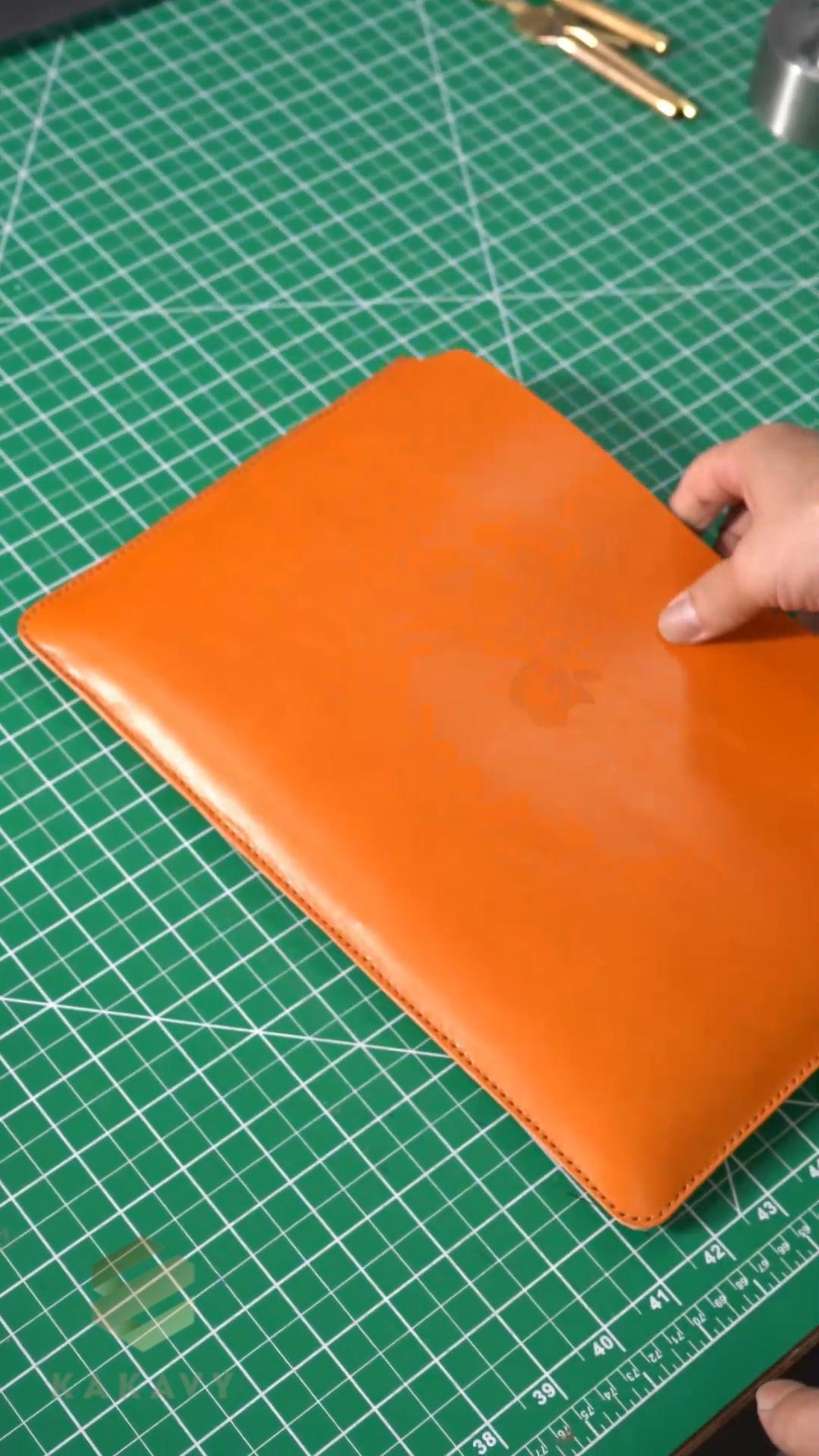
소매가 꼼꼼한 정렬, 바느질, 가장자리 작업 및 마감을 통해 형태를 갖춰가는 과정을 살펴보세요.
이 과정은 외부에서 보이는 깔끔한 외관과 매일 느끼는 수작업으로 마감된 디테일을 설명해 줍니다.
착용감과 일상적인 사용에 가장 큰 영향을 미칠 수 있는 세부 사항에 대한 간략한 답변입니다.
사용하시는 iPad 또는 MacBook 모델과 정확히 일치하는 옵션을 선택하세요. 지원되는 모델 제품군은 위의 기기 호환 가이드를 참조하십시오. 모델명을 잘 모르시겠으면 주문 전에 기기 설정에서 모델명을 확인하세요.
이 슬리브는 기기 자체 또는 슬림형 케이스에 맞게 설계되었습니다. 키보드 케이스, 견고한 커버, 두꺼운 하드 케이스는 슬리브의 너비와 두께를 늘리므로 주문 전에 전체 크기를 측정하고 비교해 보세요.
부드러운 안감과 가죽 외피는 가방 내부에서 발생하는 일상적인 긁힘과 가벼운 접촉으로부터 보호해 줍니다. 이 제품은 유연한 슬리브이며, 단단하거나 낙하 방지 인증을 받은 케이스는 아닙니다.
천연 가죽은 사용할수록 작은 자국이 생기고 색감이 더욱 풍부해지며 은은한 광택이 더해집니다. 부드럽고 마른 천으로 닦아주시고, 물에 담그거나 직사광선을 쬐거나 강한 세척제를 사용하지 마십시오.
Ειρθε αψεγάδιαστη η θήκη προς το παρόν συγχαρητήρια
Ottimo prodotto grazie. Comodissimo
It’s a great quality leather belt. I will definitely order for more and recommend it to anyone who is looking for such a quality leather
An amazing and beautiful case. Possibly the best one I've owned!
Serious quality belt. Just like I like them.
I like it
Great, use it every day.
Absolutely stupendous belt. I was blown away by the quality and feel of the leather and the quality of the buckle. Really comfortable and nice to wear.
Great quality
This belt was exactly what I'm looking for.
The look, the quality and the price. Perfect !
Ok
Happy with the outcome of my item
Mycket bra och prisvärd
The color and finish match the photos. It feels sturdy without being too heavy.
The leather looks even better in person. The size is compact, but there is enough room for my everyday essentials.
98 재고 있음
슬림한 풀그레인 가죽 노트북 슬리브로, 불필요한 부피를 더하지 않고도 기기를 안전하게 보호합니다. 깔끔한 오픈형 디자인으로 노트북을 쉽게 넣고 뺄 수 있으며, 수작업으로 마감된 가죽 외관은 사용할수록 더욱 멋스러워집니다.